

None
None
Long Story Video Skill
Turn your idea into 10s–10min video—AI writes scripts, prompts, and generates footage automatically.

Ads Video Skill
Generate professional ads and sales videos—AI auto-generates scripts, prompts, and footage.
3D Science Explainer Video Skill
Convert scientific concepts into stunning 3D explain animations
Feedback
freeTrialImage.bannerPity
freeTrialImage.upgradeUnlock
- ✓freeTrialImage.benefitHd
- ✓freeTrialImage.benefitWatermark
- ✓freeTrialImage.benefitUnlimited
Free AI Video Generator
Turn a sentence or a single photo into a polished, post-ready clip in your browser. No editing skills or installs needed with our Free AI Video Generator.
All Tools
Discover our comprehensive AI-powered animation toolkit
MiniMax H3
MiniMax H3 AI Video Generator
Seedance 2.5
The Future of AI Video Is Here.

Seedance 2.0
The Future of AI Video Is Here.

Kling 3.0
Next-Gen AI Video Generator
MiniMax H3 video generator
MiniMax H3 AI Video Generator

Seedance 2.0
The Future of AI Video Is Here.
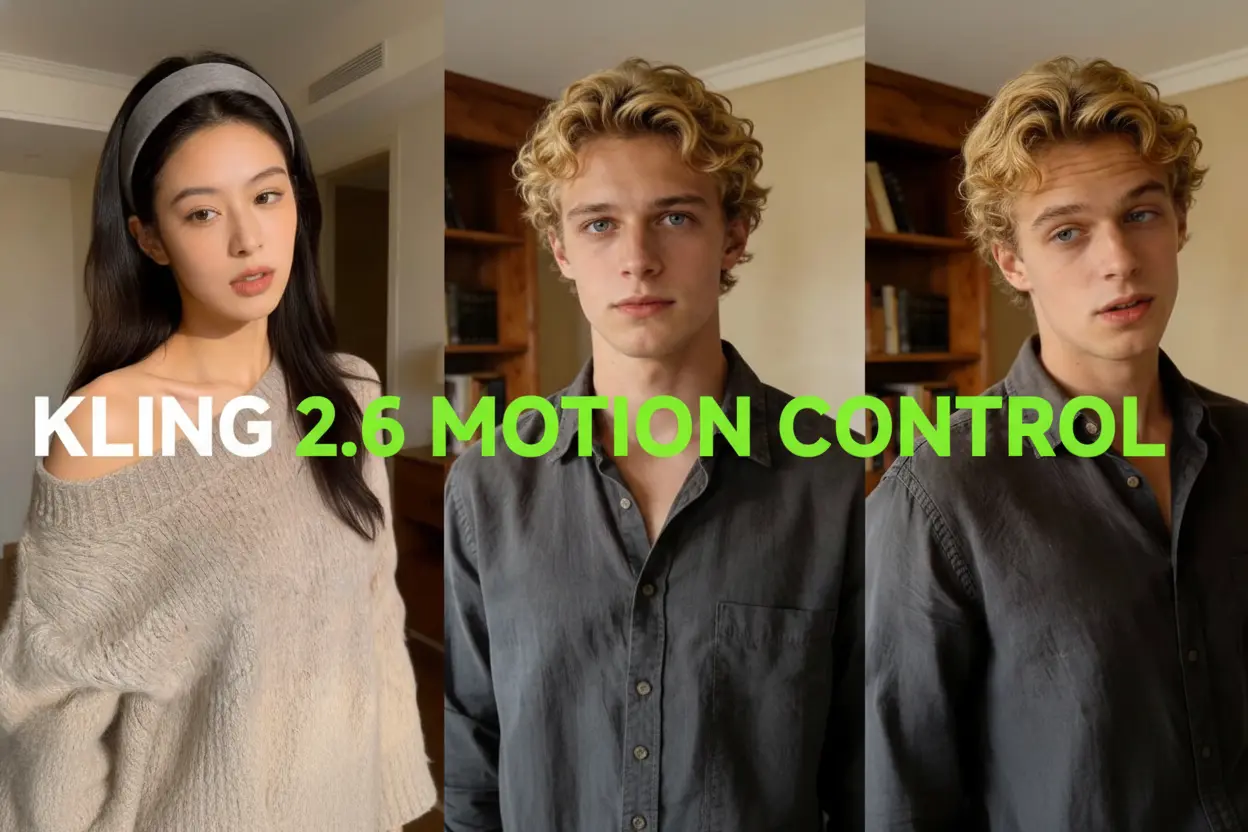
Kling Motion Control
Turn reference images into amazing motion videos in minutes
Sora2 AI
Advanced AI Video Generator for High-Quality Videos
Inside the Free AI Video Generator: What It Does
Type a short scene idea, attach a reference photo if you like, and the tool renders a clean, shareable clip for posts, promos, or stories — no timeline needed.
- Prompt RenderingDescribe the shot you have in mind and watch a complete sequence take shape in seconds.
- Clean-Up ToolsErase stray props, logos, or clutter from a frame while everything around them stays intact.
- Weather & EffectsLayer rain, sparks, or stylized filters over your footage with a single click.
Three Steps From Prompt to Finished Video
Pick a starting point, describe the scene, and let the render finish — the whole flow takes about a minute to learn.
Editing Controls Built Into the Free AI Video Generator
Adjust lighting, swap backgrounds, clear out distractions, or reframe a shot — every control sits on one panel, with no plugins or extra installs.
Style & Appearance
Shift a subject's age, outfit, or overall look while the rest of the shot stays consistent.
Light & Weather
Move a scene from golden hour to overcast rain in seconds, without reshooting anything.
Filters & Effects
Drop in rain, sparks, anime tones, or a cyberpunk palette on top of existing footage.
Distraction Removal
Wipe out stray props, passers-by, or leftover watermarks and keep the frame clean.
Background Swaps
Place your subject somewhere new while edges, shadows, and proportions stay believable.
Camera & Framing
Test fresh angles and tighter framing options before committing to a final cut.
Free AI Video Generator: Common Questions
Quick answers on cost, speed, output quality, and what you can build with this browser-based tool.
What exactly does this tool do?
It reads a written prompt — and optionally a reference image — then renders a short video file you can download or post.
Which kinds of clips can I make?
Social posts, product promos, short story scenes, and simple explainers all work well; you can also swap backgrounds, clear objects, and add weather.
How long does a render take?
A few seconds of footage usually lands within a minute or two; heavier settings and longer durations need more time.
Do I have to pay to start?
No. Every new account gets free credits, and paid plans only come into play if you need longer or higher-resolution renders.
Do I need editing experience?
Not at all. If you can write a sentence describing a scene, you can operate the tool — there is no timeline, keyframing, or plugin setup.
Where does it fit in a workflow?
Anywhere a quick clip helps: social campaigns, ad tests, teaser trailers, or personal projects that would otherwise need a crew.
Your First Clip Is One Prompt Away
Type an idea, hit generate, and download the result — no card, no software, no learning curve.